
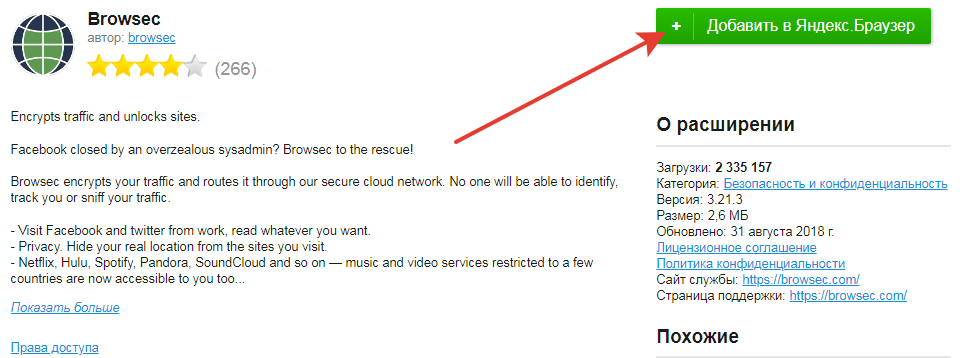
1. Если у вас заблокирован сайт web.telegram.org, то нужно установить расширение для обхода блокировки.
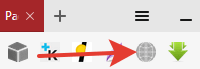
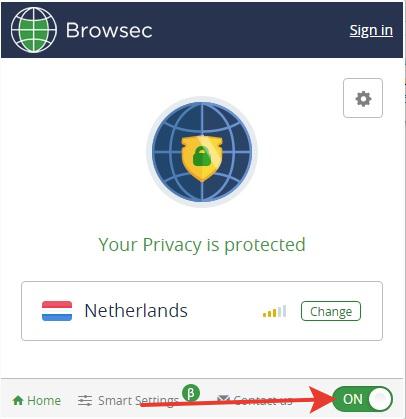
Находим значок расширения в браузере и включаем его
2. -Переходим на web.telegram.org
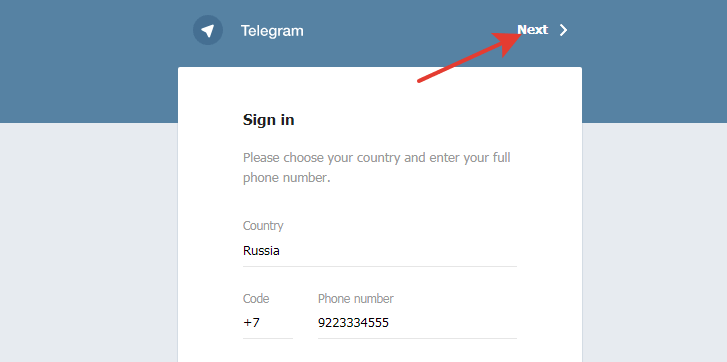
-Выбираем страну и вводим номер телефона
-Нажимаем на кнопку “Next”.
3. Вводим код полученный по SMS.
4. Настраиваем профиль (имя, фото, язык).
Готово! Теперь у Вас есть аккаунт в Telegram!
Не забудьте отключить расширение после завершения работы с Telegram!
{:}{:en}1. If you have blocked web.telegram.org, then you need to install an extension to bypass the blocking.
Find the extension icon in the browser and enable it.
2. -Go to web.telegram.org
-Choose a country and enter a phone number
-Click on the button “Next”.
3. Enter the code received by SMS.
4. Customize profile (name, photo, language).
Done! Now you have a Telegram account!
Do not forget to disable the extension after completing work with Telegram!
{:}